

01 / WHITE
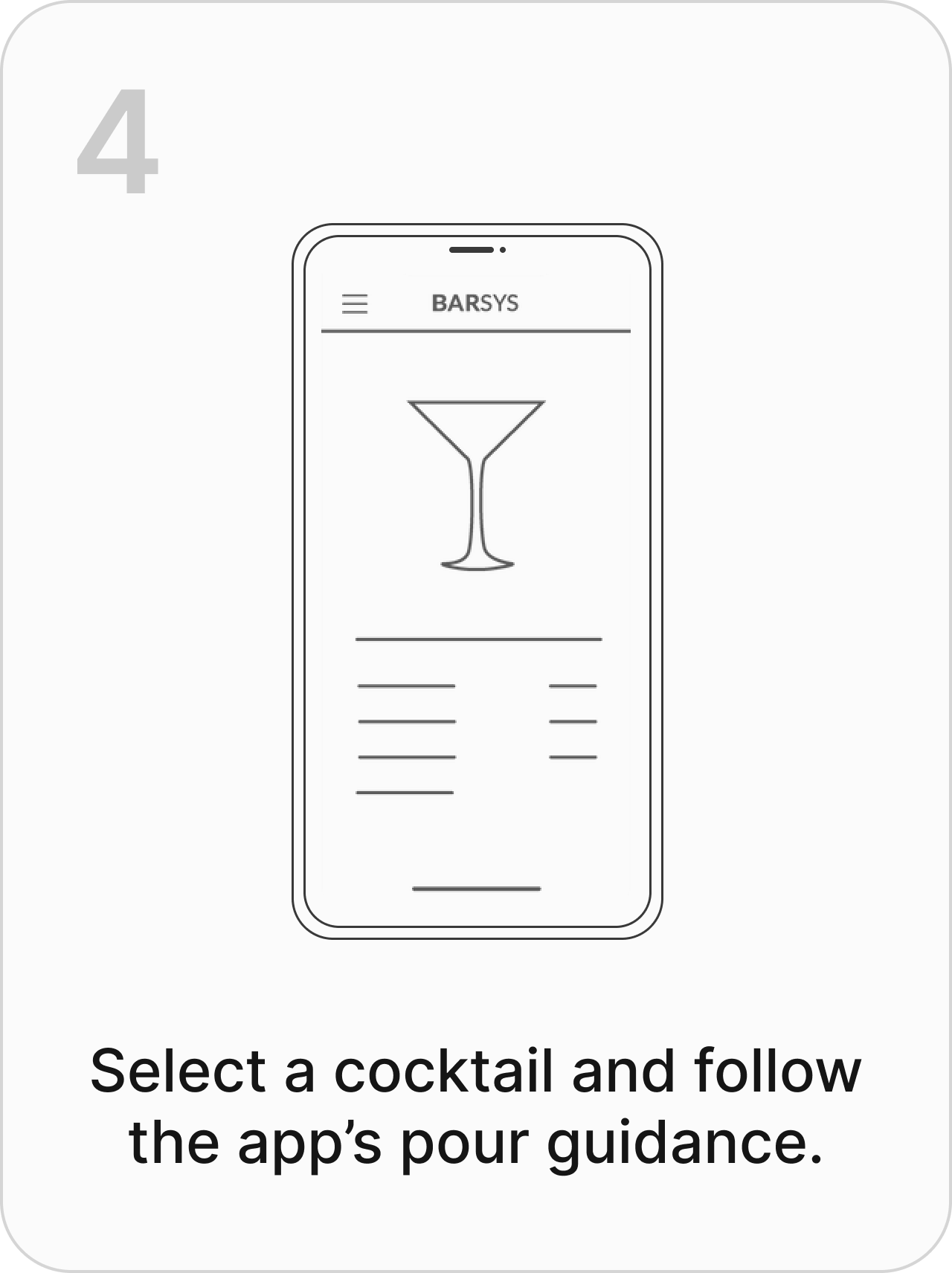
Start pouring ingredients.
Pour the ingredient shown in your app.

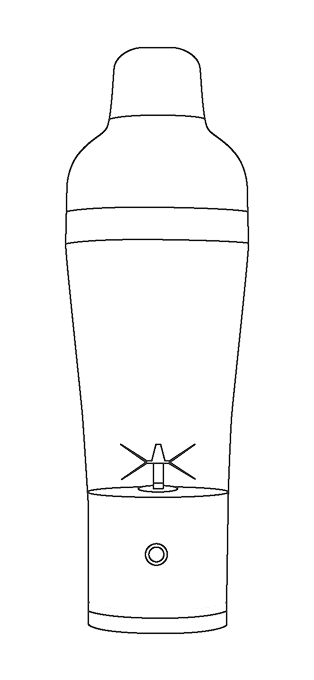
YOUR SHAKER PRO. YOUR FIRST POUR.
A little guidance.
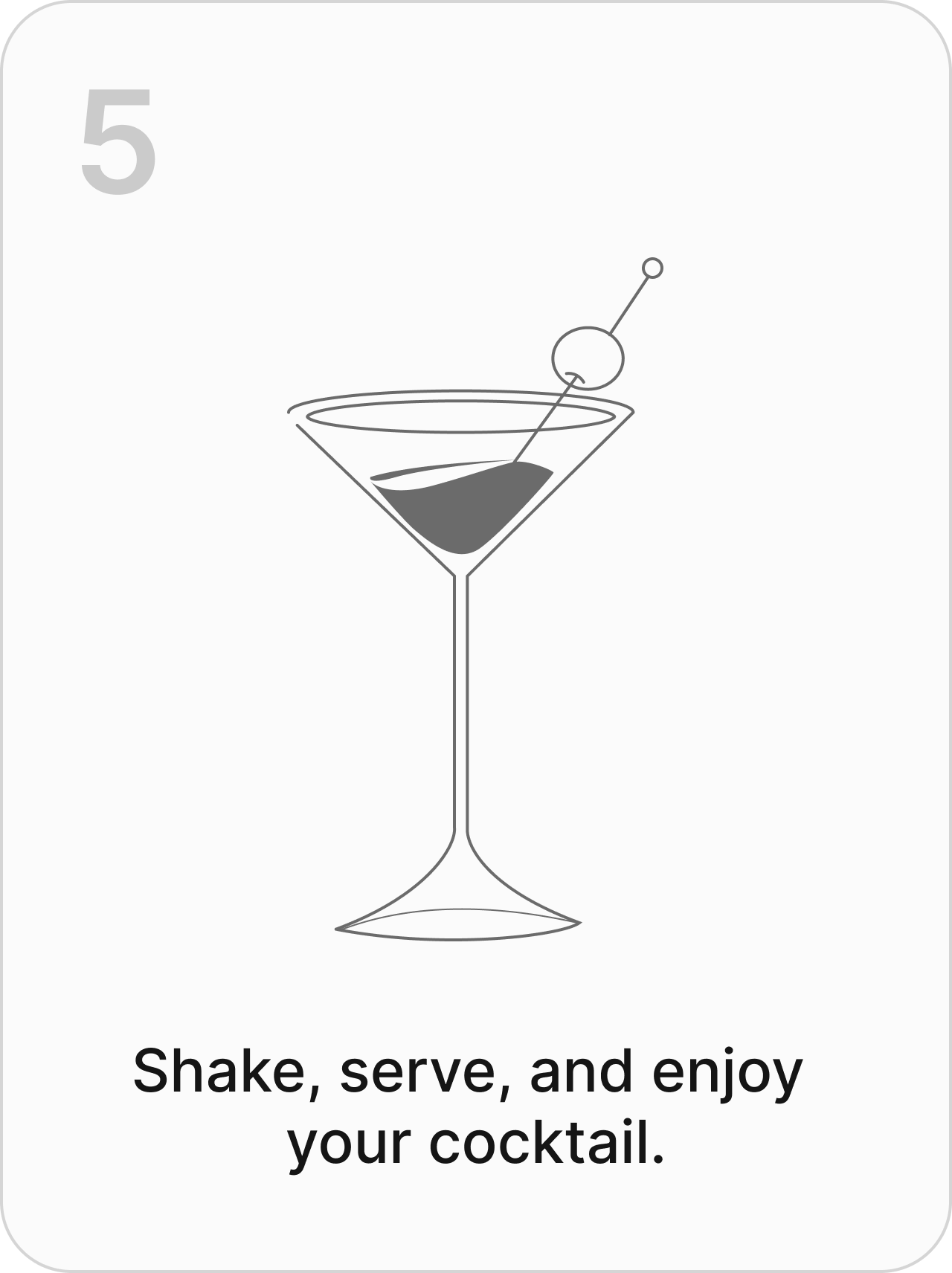
A drink you made yourself.
START HERE
02 / MAKE YOUR FIRST DRINK
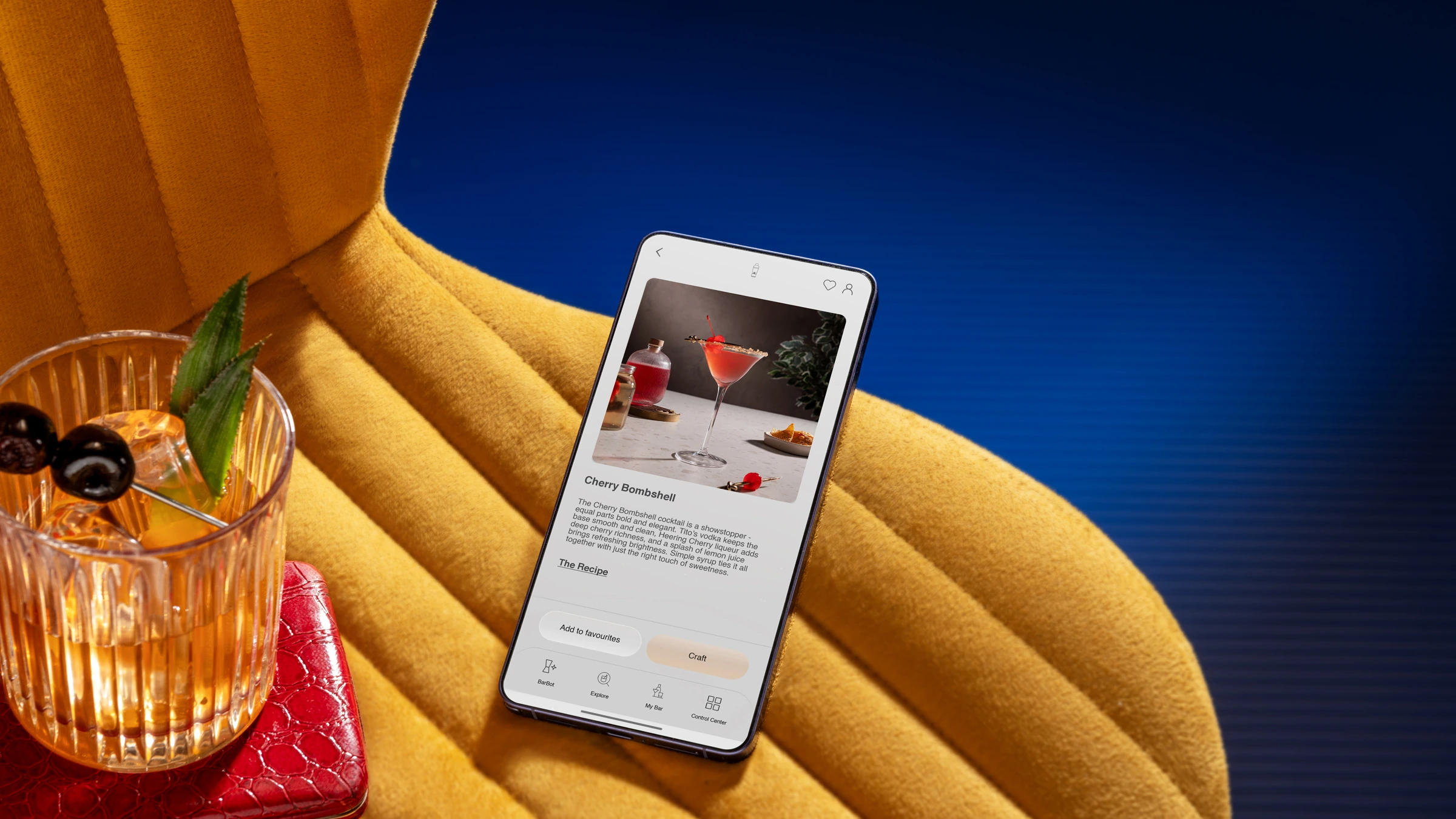
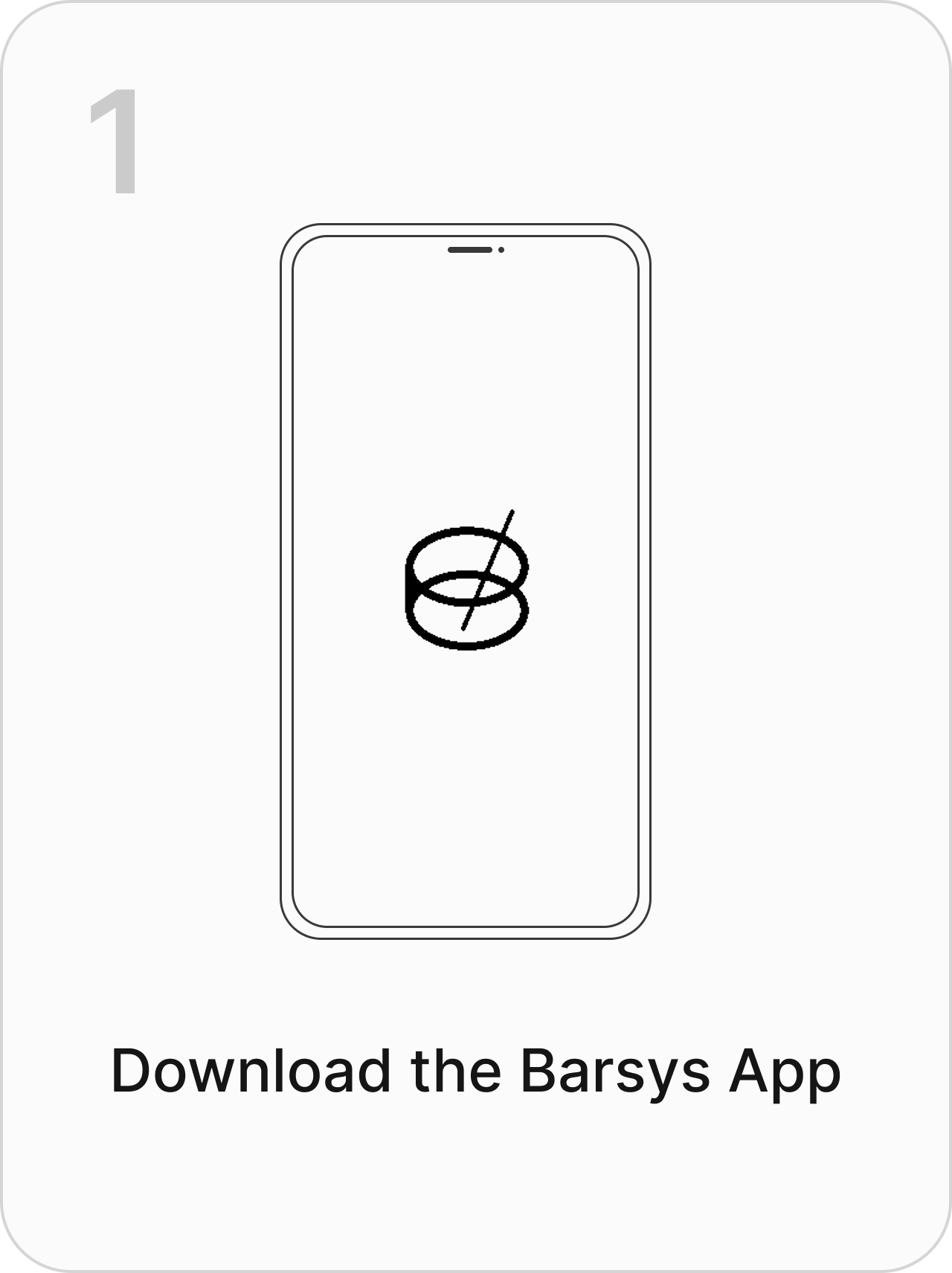
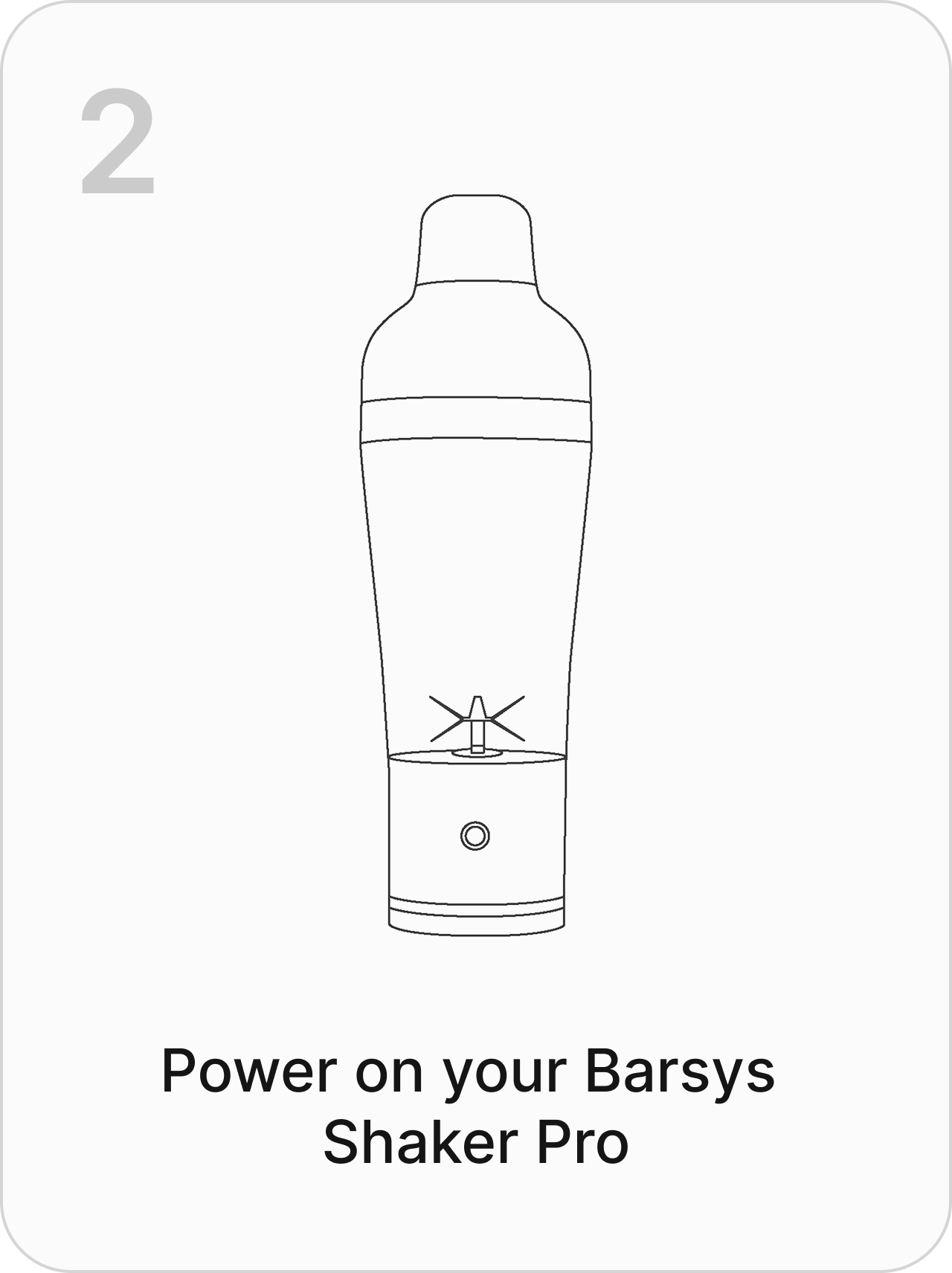
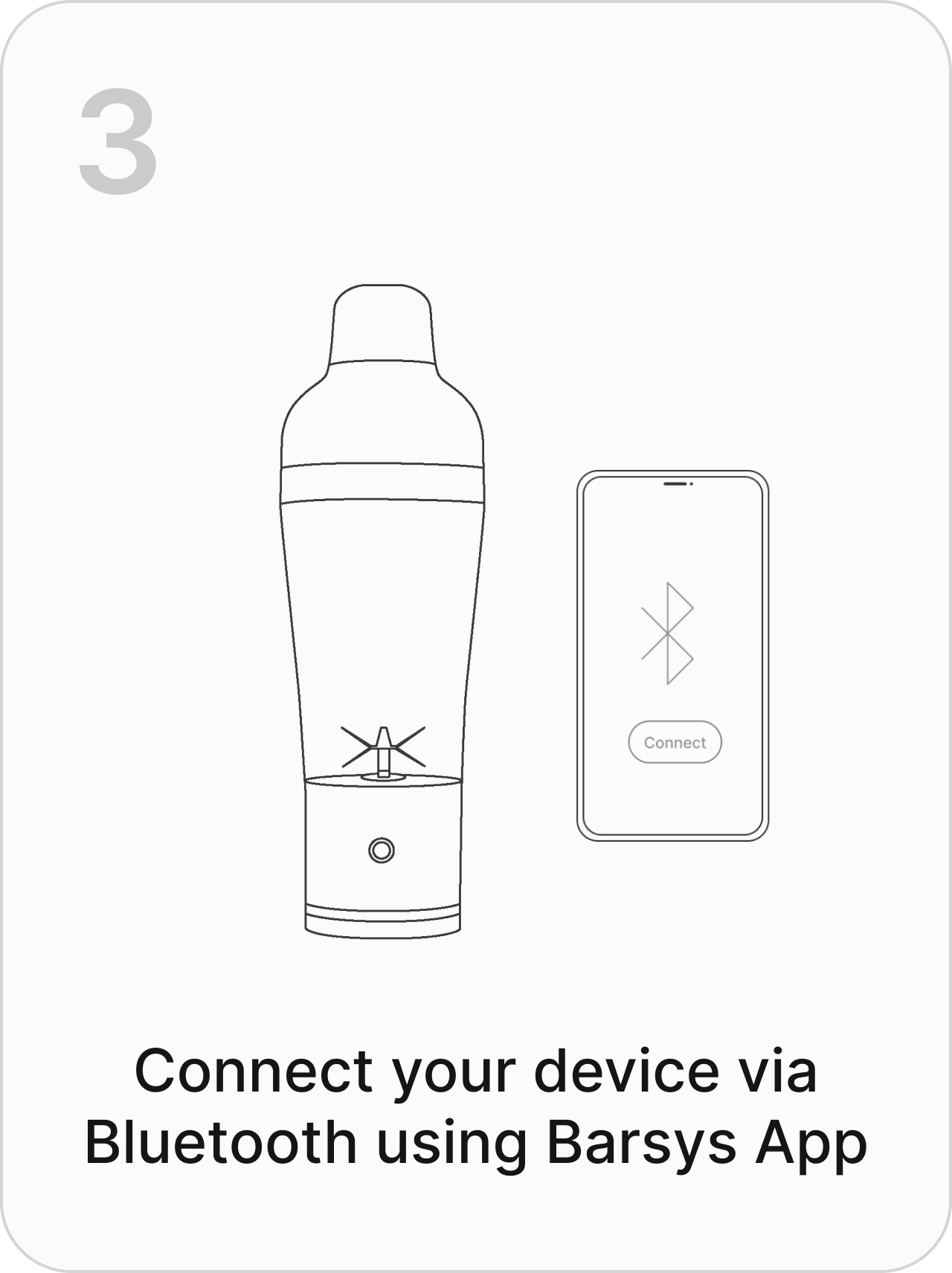
Pick a recipe. Gather your ingredients.
LEARN THE LIGHTS
Scroll to explore the signals. Follow your app during a drink.
01 / WHITE
Pour the ingredient shown in your app.
02 / BLUE
Follow the next app prompt.
03 / GREEN
Finish and serve your recipe.
04 / YELLOW
Check the app to continue.
05 / RED
Check the app before restarting.
Persistent red light? See app tools ↓06 / PURPLE
Ready when you are.
A NOTE FROM OUR FOUNDER
“When we started Barsys, our goal was simple: make great cocktails easier to enjoy at home.”
We believed that anyone, regardless of experience should be able to create well-balanced drinks without complexity or guesswork.
Every detail, from the guidance in the app to the feel of the shaker in your hand, is meant to give you confidence and consistency while still leaving room for creativity.
At Barsys we aim to transform the way customers experience mixology at home. We are excited to bring that concept into the heart of your home bar! We are committed to pushing the boundaries of mixology in pursuit of the perfect cocktail poured by anyone.
Choose a chapter. Hover or tap a question for its answer.
Barsys · Product FAQ video
GET MORE FROM YOUR SHAKER
Check your app store for the release available on your phone.
Bluetooth firmware updates. Scale tools in Control Center. Follow the in-app guidance.
iOS updates & downloads ↗The latest Android release restores Shaker Pro’s Reset Scale tool. Update your app and follow its guidance.
Android updates & downloads ↗See releases and ideas in progress. Proposed features are not release promises.
Explore the roadmap →FROM OTHER OWNERS
Product and app reviews, from other owners.
READY FOR THE NEXT ROUND
Rinse after use, as you would a standard cocktail shaker.
Keep the electronic base out of water and wipe it clean. Follow the care and safety instructions included with your device.
A HAND, WHEN YOU NEED ONE
Check that your shaker is powered on, then follow the app’s Bluetooth setup prompts. Still stuck? Tell support your phone model and the message you see.
Follow the instructions supplied with your Shaker Pro. If the manual is missing or your shaker won’t power on, contact support with your order details.
The guided pour uses the Barsys app. You can also use Shaker Pro manually as a regular shaker.